Folders
Organize your chats into folders for better management.
Folders let you organize your v0 projects into groups. They are purely organizational - a way to keep related Projects together with different deployments and settings.
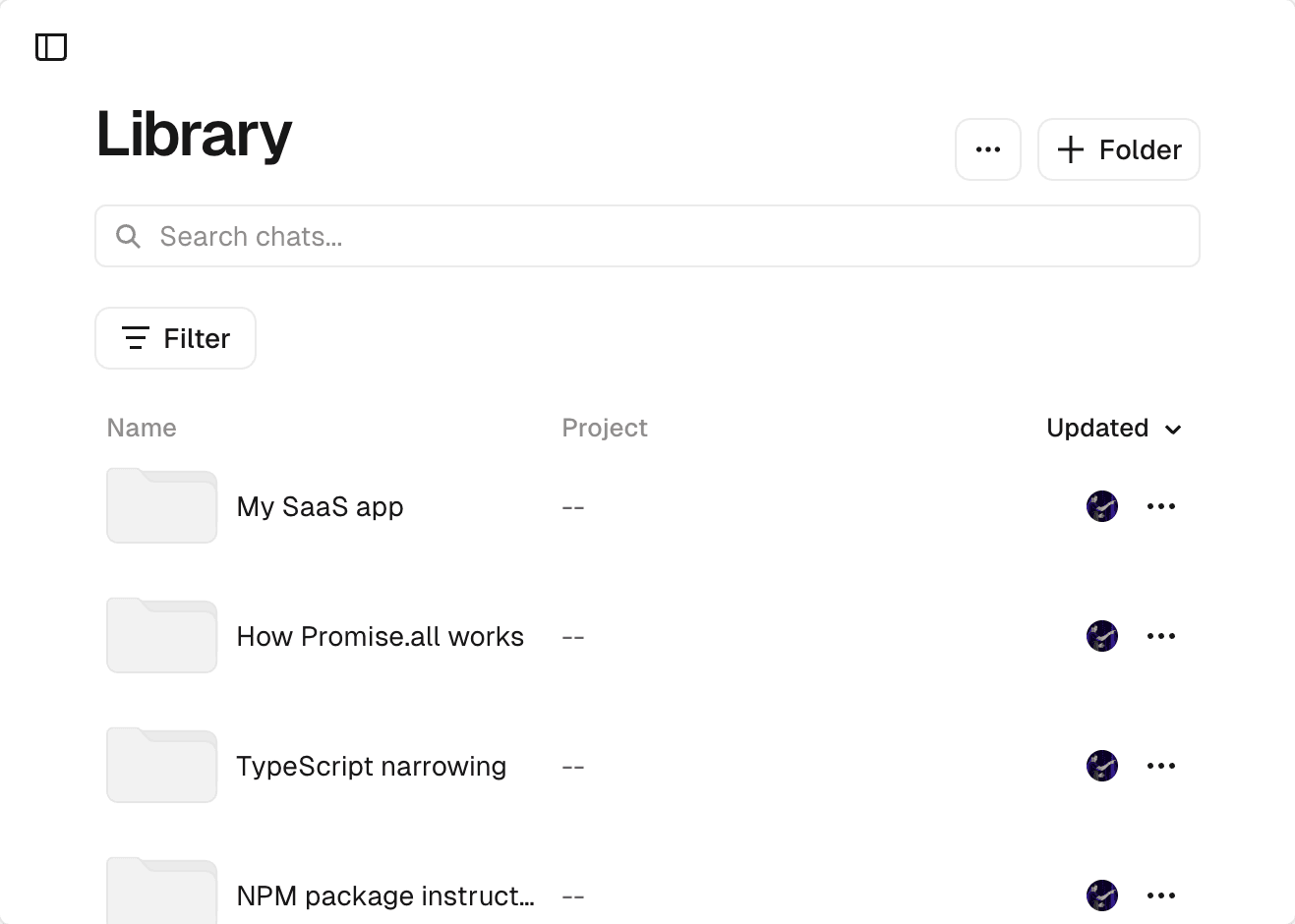
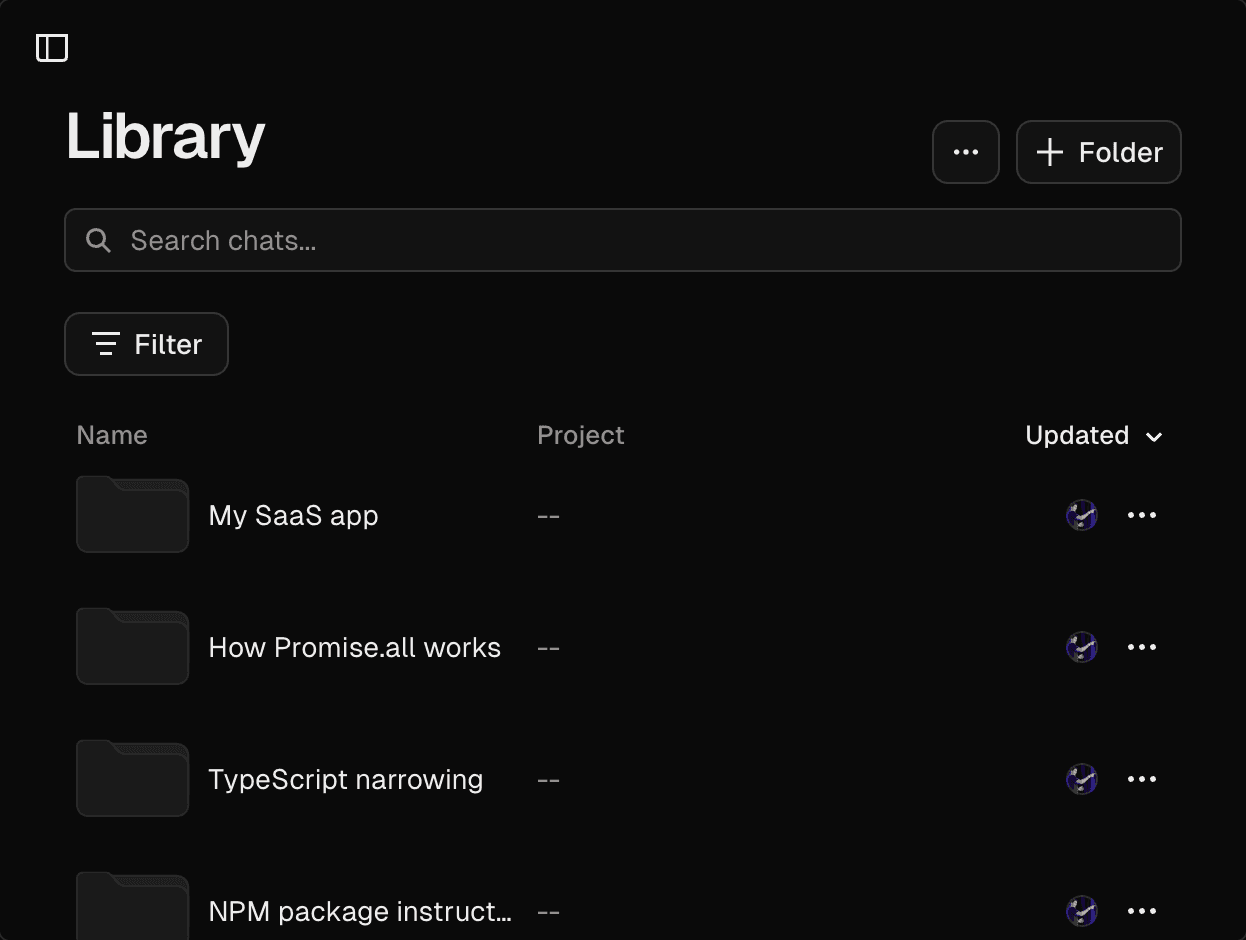
Creating a Folder
To create a new Folder:
- Open your Library from the v0 sidebar
- Click the + Folder button
- Give your Folder a name
Your Folder will appear in your Library alongside any chats that are not in a Folder.
Moving chats to Folders
You can create a new chat in a Folder when you have the Folder open.
To organize existing chats into Folders, you can use one of following two methods:
Drag and drop
Drag any chat from your Library and drop it onto a Folder to move it there. You can also drag a chat to the Chats header to remove it from its current Folder.
Chats menu
- Open the Folder that the chat is currently
- Click the triple-dot menu icon on the chat's row
- Select Move
- Choose a destination Folder
Browsing Folder contents
Click on any Folder in your Library to view its contents. A breadcrumb navigation appears at the top, allowing you to navigate back to the full Library view.
Renaming Folders
To rename a Folder:
- Click the triple-dot menu icon on the Folder's row
- Select Rename
- Enter the new name
Folders vs Projects
Folders and Projects serve different purposes:
| Folders | Projects |
|---|---|
| Organizational tool for grouping chats | One app shared between many chats, sharing a file system |
| No effect on deployments | Controls where your app is deployed |
| Can contain any chats | Each chat connects to one Vercel Project |
| Purely for organization | Includes domains, env vars, and settings |
Use folders to organize your work (e.g., "Client A", "Experiments", "Q1 Launch"). Use Projects to manage where your applications deploy and their Production settings.